


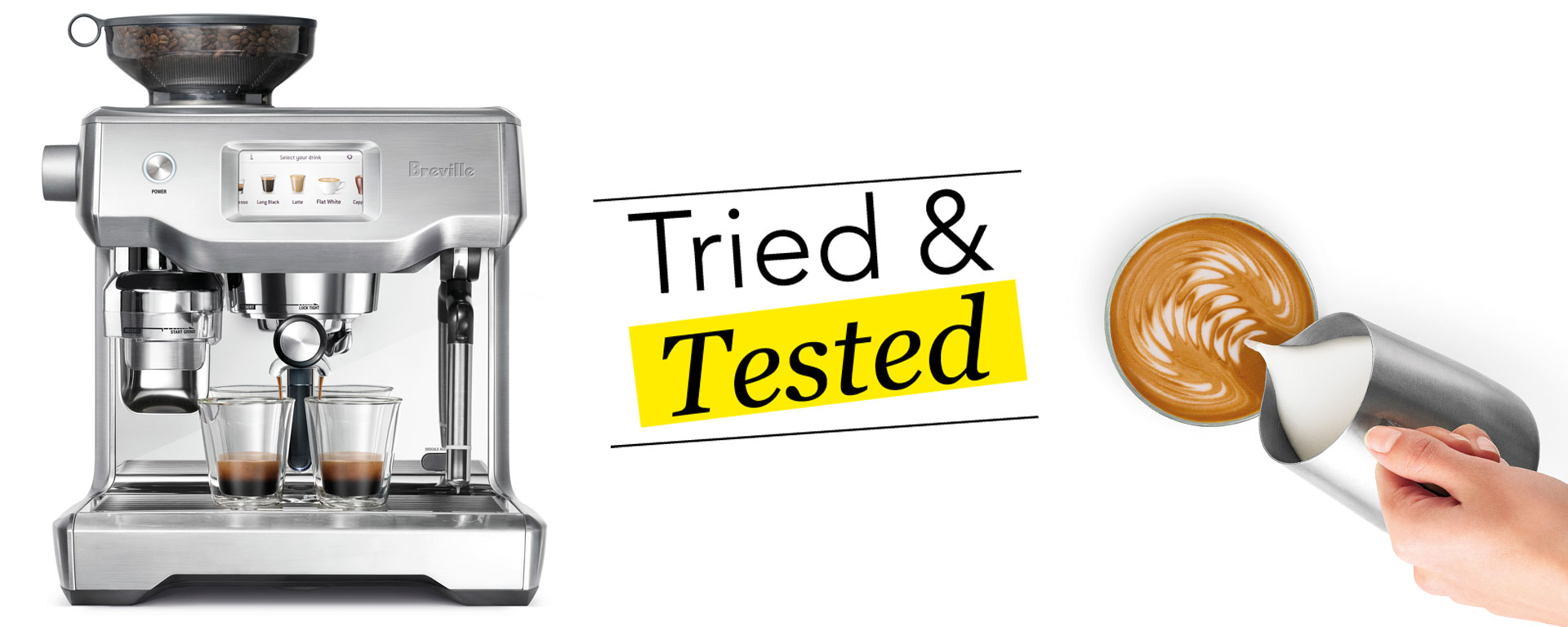
Coffee. Just take a moment to let that magical word percolate on your tongue, waft around your senses and wrap you in its warm, crema-coated embrace. Oh, happiness.
Coffee lovers know what I’m talking about – a good cup of coffee is a truly transcendent experience. And it’s about to reach a whole new level, thanks to Breville’s new brew: the Oracle® Touch Automatic Coffee Machine
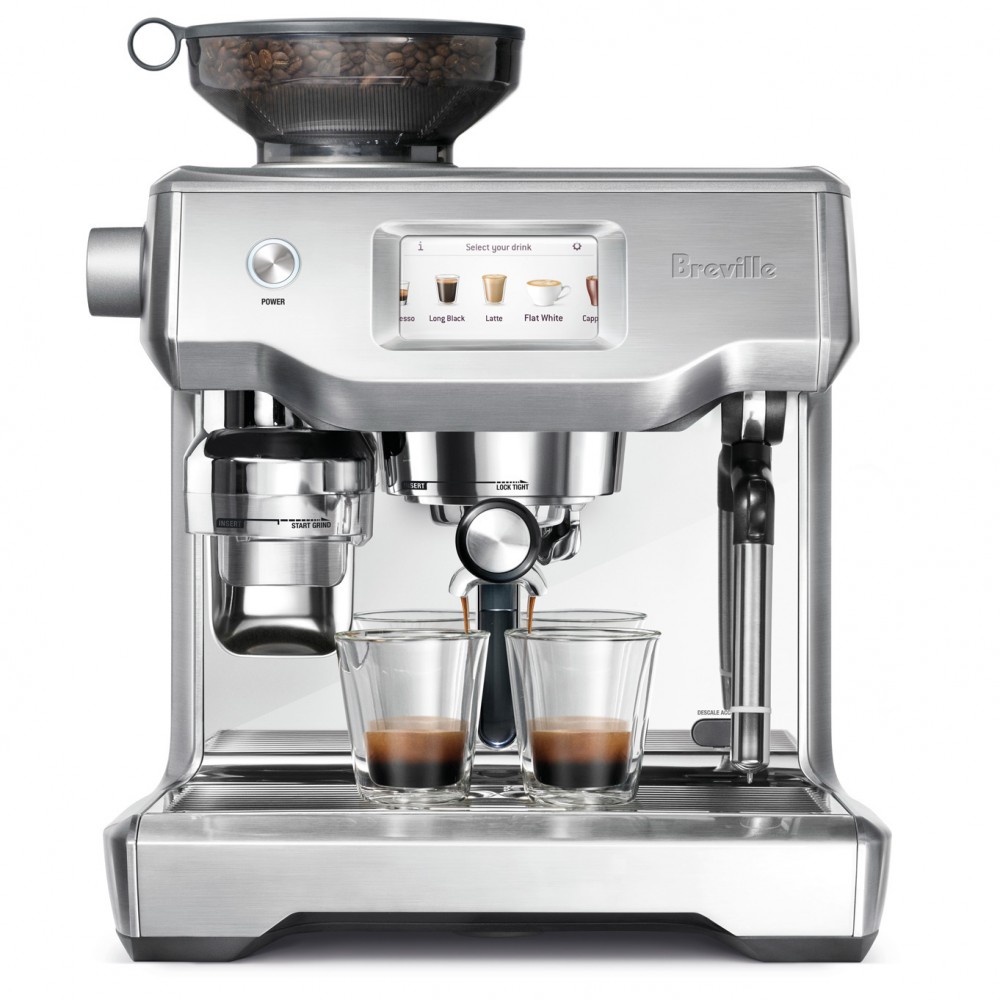
When given the opportunity by Harvey Norman to test out the new Breville Oracle® Touch coffee machine, I knew I had to share this boon with my coffee-crazed co-workers, of whom there are many!
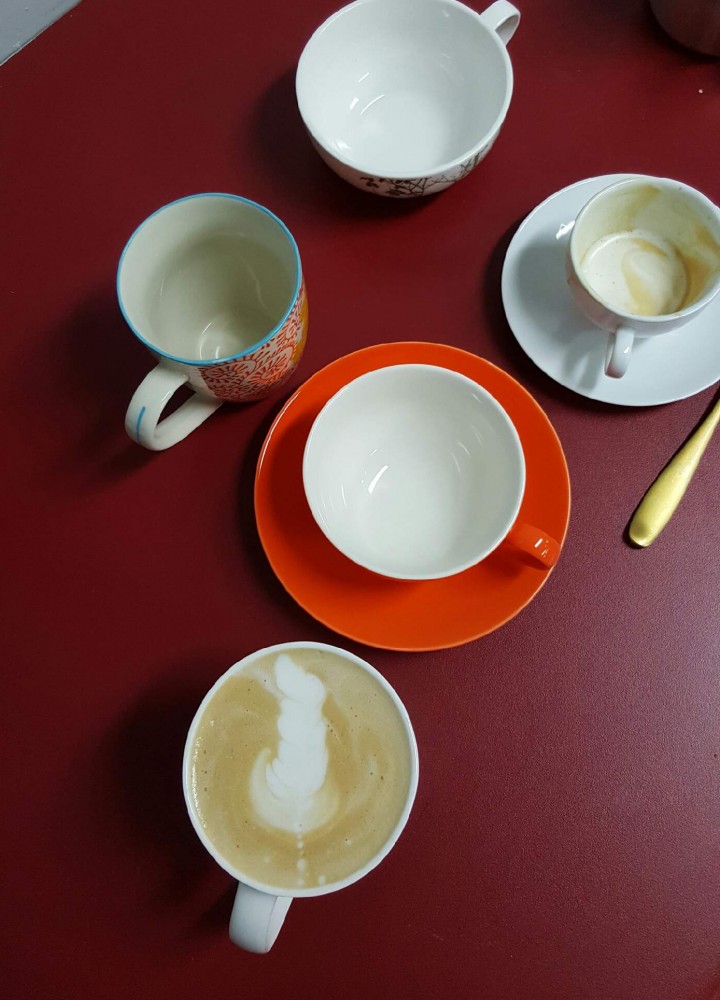
My colleagues are the kind of people who download apps that let them pre-order their cuppa from their favourite coffee shop every morning. They SMS their order to the mobile delivery truck that visits our office daily. They make coffee runs for the entire team at least once a week. They hyperventilate when the café down the road shuts down for two weeks over the holiday period. They keep a percolator in their desk drawer in case of emergencies. They store their speciality coffee beans in an opaque, airtight container in a dark cupboard in the office kitchen. Yup, they are serious about their coffee!
So you can only imagine the way their eyes lit up when we opened the box to reveal the super sleek, shiny, and professional-looking Breville coffee machine, complete with an entire arsenal of accessories.

Accessories included with the Oracle® Touch:
✓ Stainless steel milk jug
✓ 2-cup filter basket
✓ 1-cup filter basket
✓ Mini grinds bin
✓ Water filter
Cleaning tools included with the Oracle® Touch:
✓ Grinder burr brush
✓ Cleaning tool for steam wand tip
✓ Steam wand cleaning powder
✓ Two Allen keys
✓ Water hardness test strip
✓ Espresso cleaning tablets
✓ Grind outlet brush and tamp removal magnet
Easy To Assemble
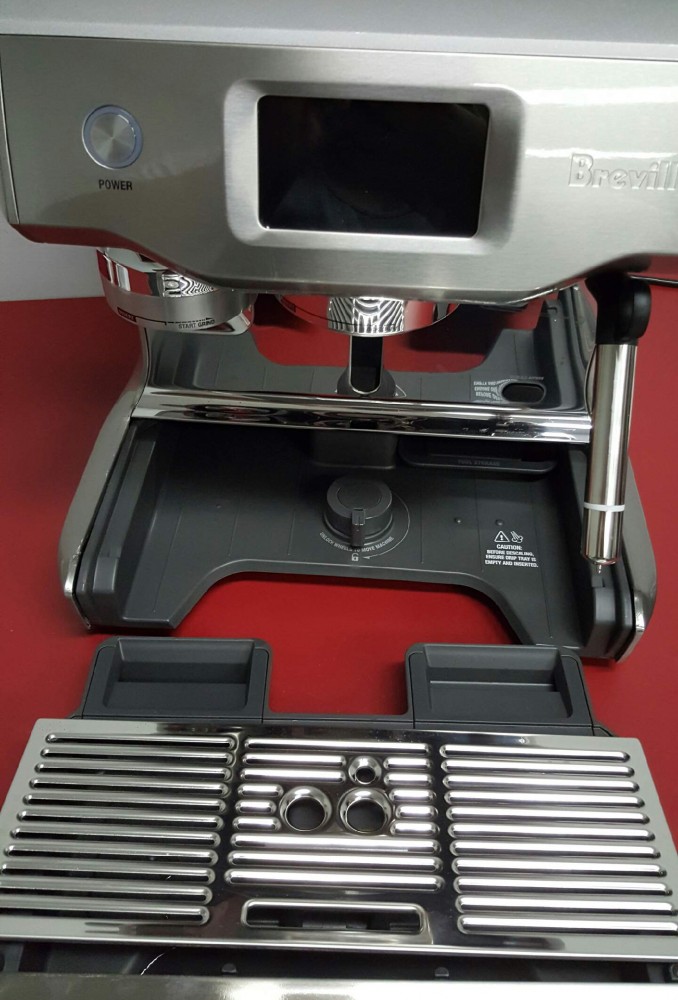
Once we’d given all the accessories a gentle rinse and let them dry, we installed the filter into the water tank following the easy-to-understand instruction booklet.
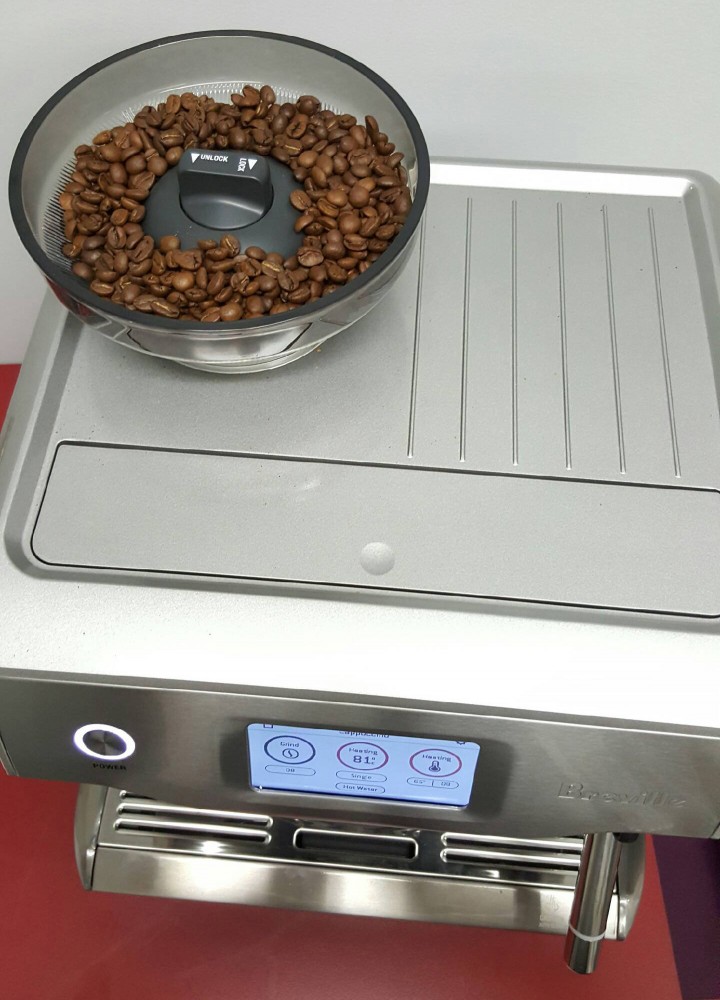
After adding water to the tank and freshly roasted coffee beans to the hopper, we plugged in the Oracle® Touch and switched it on.
The touchscreen lit up and after we pressed ‘Guide’ on the screen, the Oracle® Touch helped us prepare our first cup of coffee!

Easy To Use
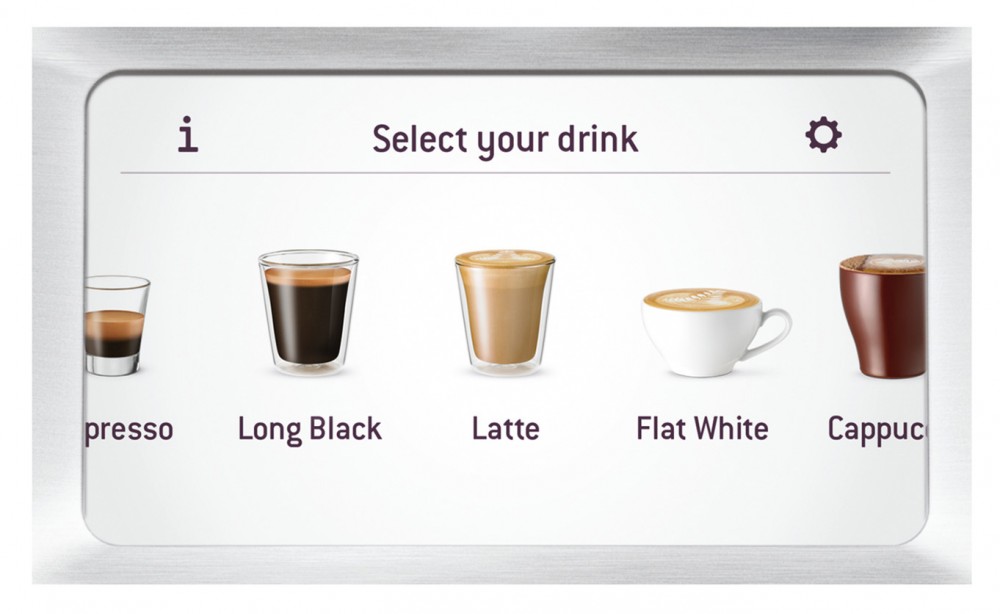
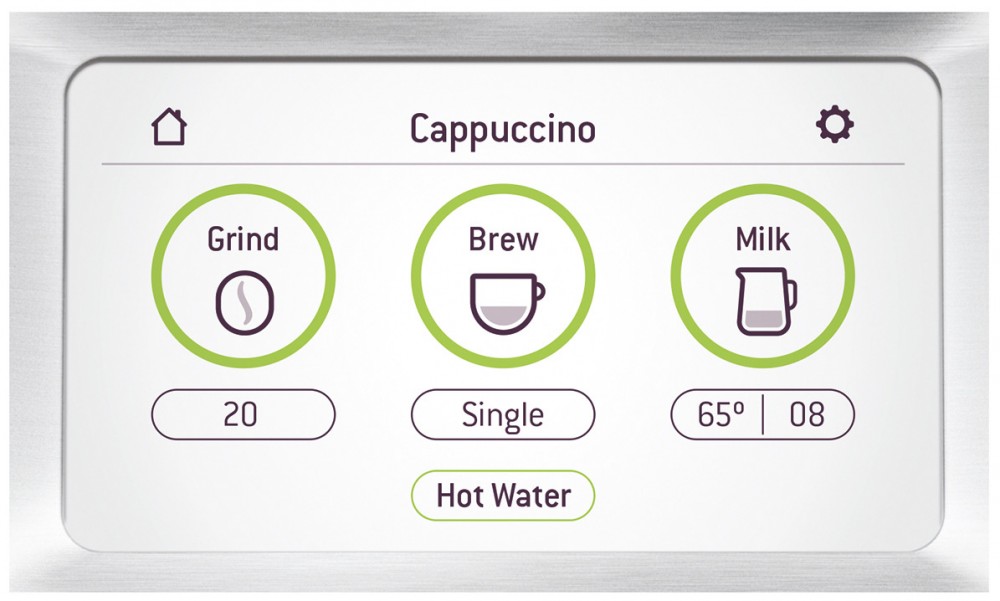
1. Choose how finely you want your coffee ground
2. Select single for regular or double shot for a stronger brew
3. Texture the milk by selecting how hot you’d like it and how much froth you’d prefer
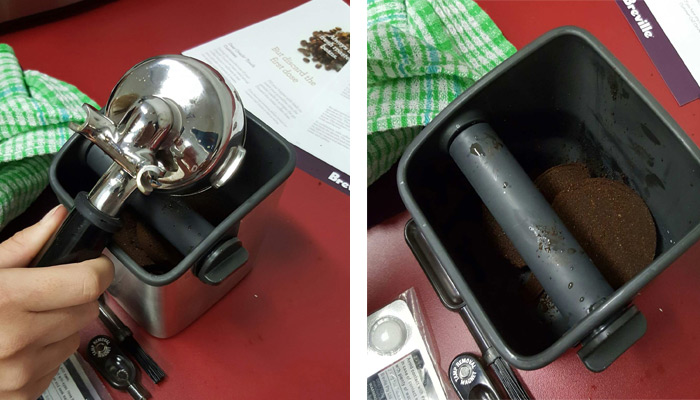
To get started, we selected the 2-cup filter basket – word had gotten around the office and coffee connoisseurs had their cups at the ready, so we definitely needed to prepare two doses at a time! Placing the basket into the portafilter, we snapped it into place. Then we inserted the portafilter to the grind outlet, rotated it to the centre position and pressed the grind button on the touchscreen. Within seconds, we had the right dose of freshly ground coffee.
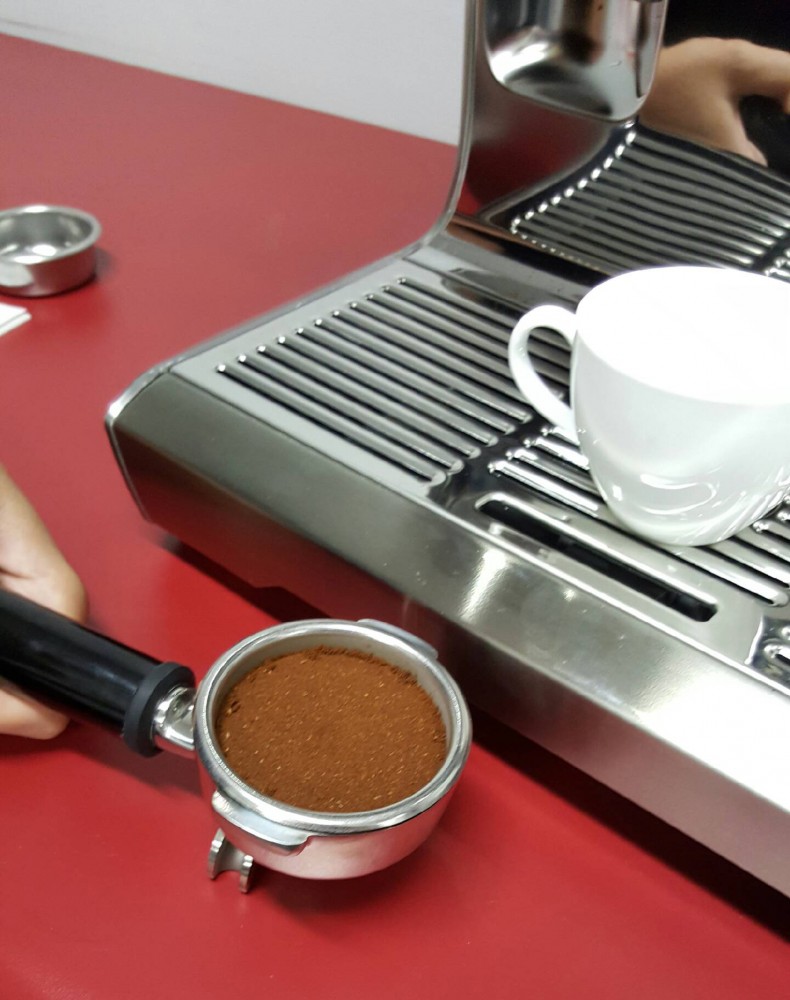
We removed the portafilter and locked it into place above the brewing spout. Next we chose the cappuccino option from the pre-set menu, placed two eager cups under the spout and pressed the brew button. Within seconds, the amazing aroma of espresso filled the kitchen. Then, all we had to do was choose the temperature we wanted the milk to reach and the desired level of microfoam.
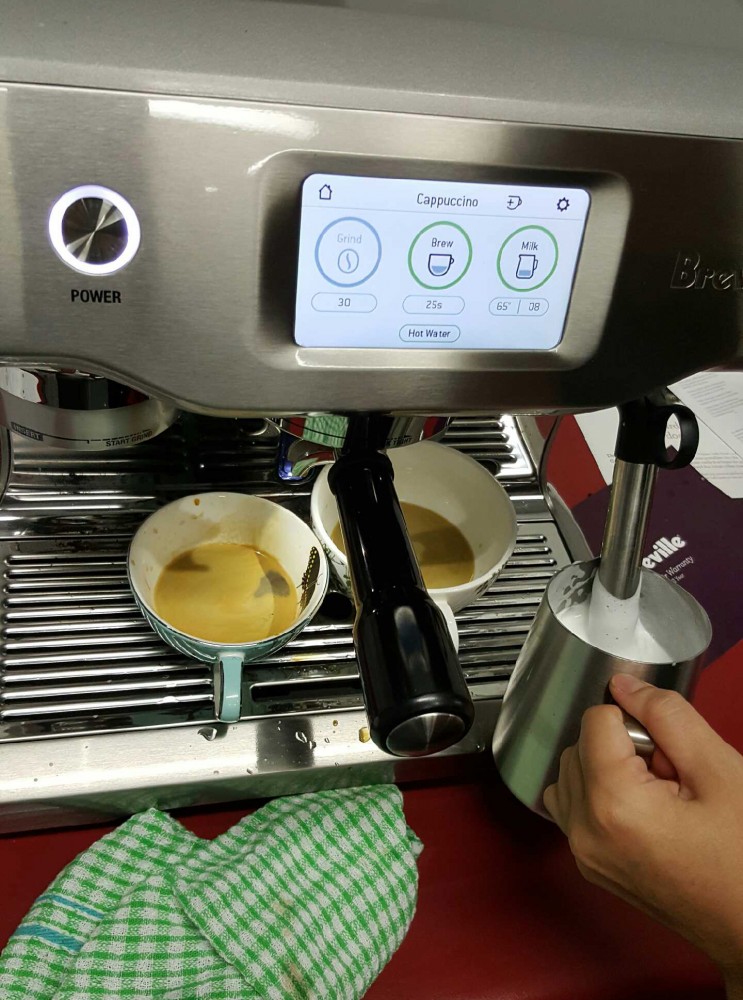
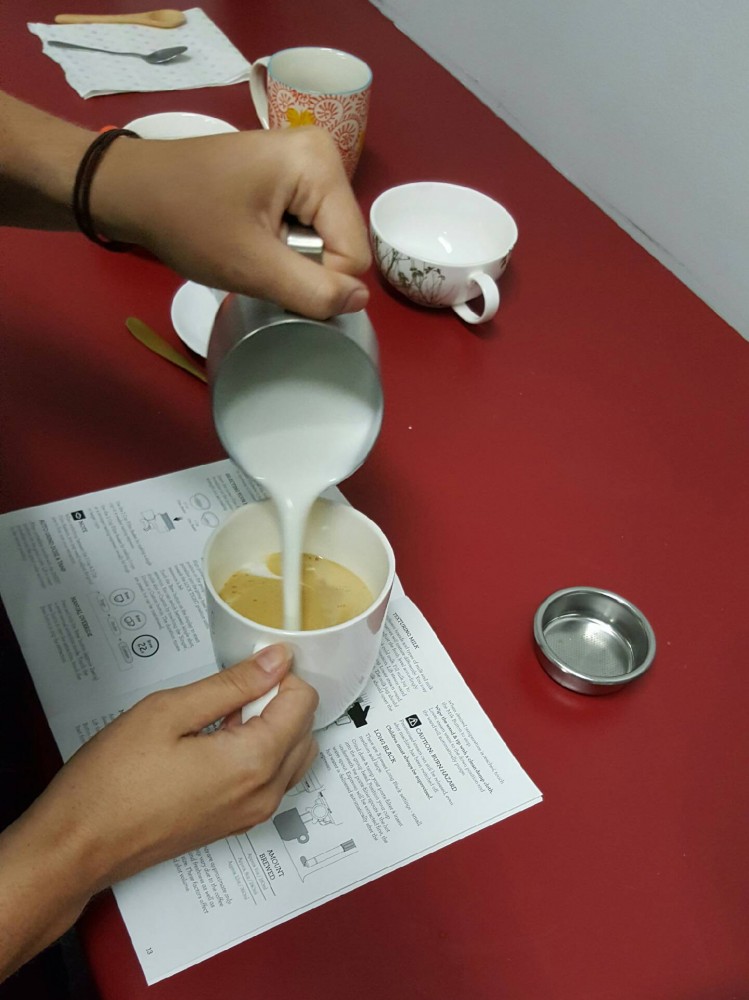
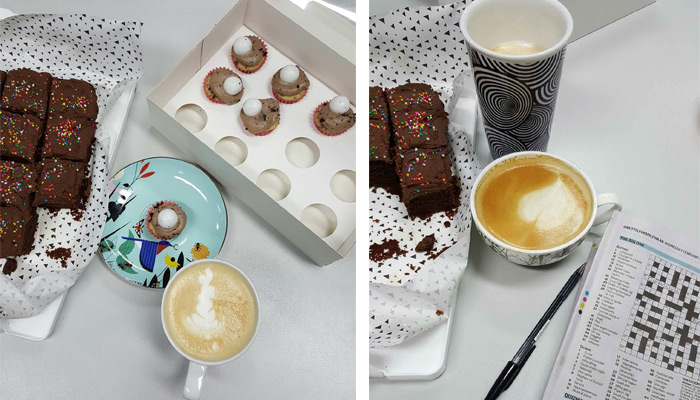
“It’s giving the same consistency you’d get from a commercial-grade coffee machine at a café.”
The Nitty Gritty
Dose Amount
Just like a commercial-grade coffee machine at your favourite coffee shop, the integrated conical burr grinder automatically grinds, doses and tamps 22 grams of coffee for a delicious double shot.
Water Temperature
Temperature change of 1°C can affect the taste of an espresso – turning your great-tasting coffee into something unpleasantly ashy. The Oracle Touch® digital temperature control technology maintains precision to ensure the water temperature is kept at its optimum range.
Water Pressure
The Oracle Touch® includes an Over Pressure Valve (OPV), which is a commercial-grade feature that moderates the maximum pressure during extraction, preventing the coffee from turning bitter.
Steam Pressure
The steam wand is powered by a dedicated steam boiler and automatically textures the milk, creating microfoam to suit your taste.
Customise Your Cup
You have the option of saving up to 8 personalised coffees on the Oracle Touch®. The customise settings allow you to adjust all the variables of your favourite coffee to suit your personal preference.
Manual Override
If you are particular about your dosage, simply press and hold the ‘Brew’ button for a couple of seconds to enter manual extraction mode and customise the shot strength you would prefer.
If you are a serious coffee lover who wants to experience the joy of café-quality coffee right at home, then the Breville Oracle® Touch is the coffee machine for you. Visit the Harvey Norman website or go to your local store and invest in one today!
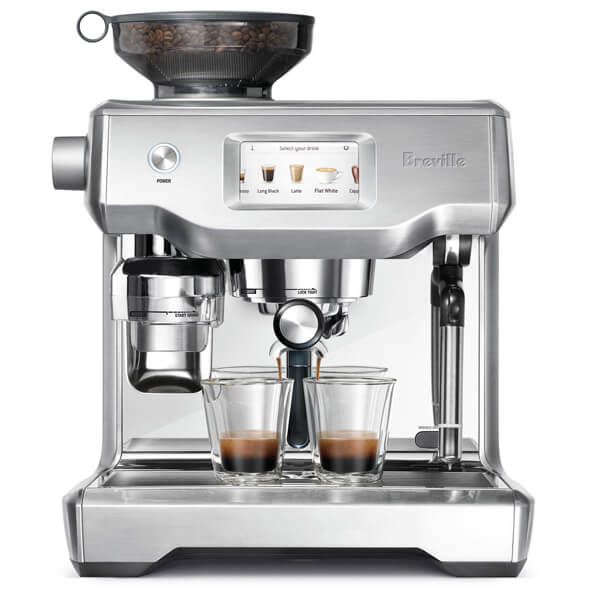
Breville The Oracle Touch Coffee Machine