


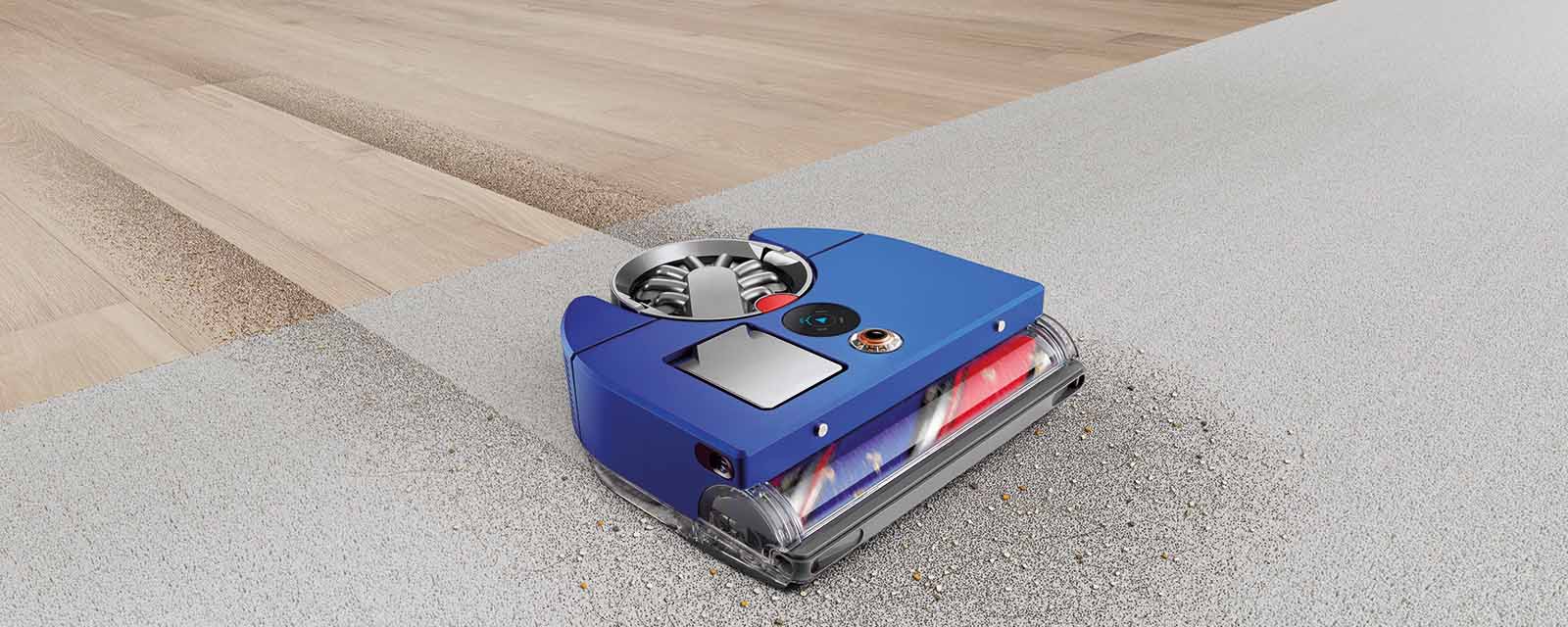
As a Dyson fan, I’d been itching to get my hands on the Dyson 360 Vis Nav™ – the brand’s first robot vacuum.
Safe to say, I was ecstatic when that day finally arrived.
Promising serious suction power and 360° visual navigation abilities, I wanted to see what this Dyson could achieve in my home. And, without giving too much of this review away, it turned out I couldn’t have asked for a better robot vacuum.
Read on for my full Dyson 360 Vis Nav™ review. We’ll take a look at the standout features of Dyson’s first robot vacuum – available now at Harvey Norman.
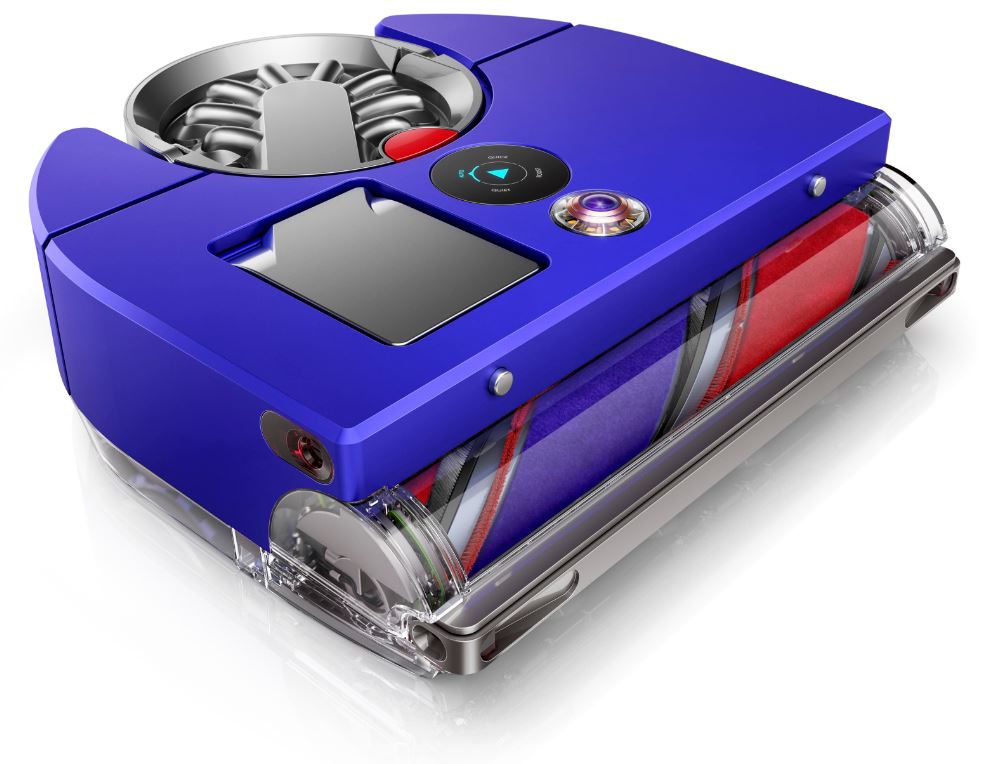
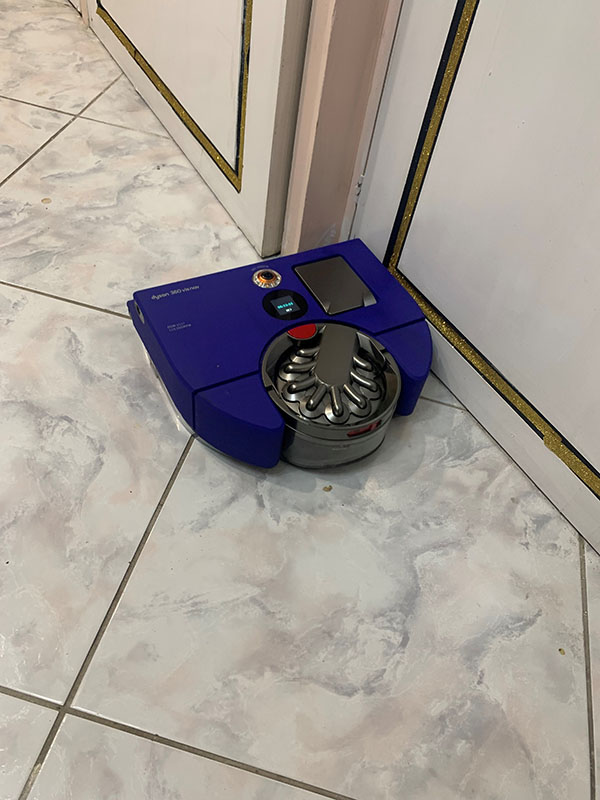
The Dyson 360 Vis Nav™ automatically cleans edges and corners
I was impressed with how efficient the Dyson 360 Vis Nav™ was compared to other robot vacuums I’d used.
Previously, I’d found certain products would struggle around the corners of my home. However, with an extending side duct that redirects its suction, the Dyson 360 Vis Nav™ managed to clean right up to the edge of the walls in my house. Including in the tightest of corners.
For me, given that meant I no longer had to manually get into those areas, this was a real game changer.
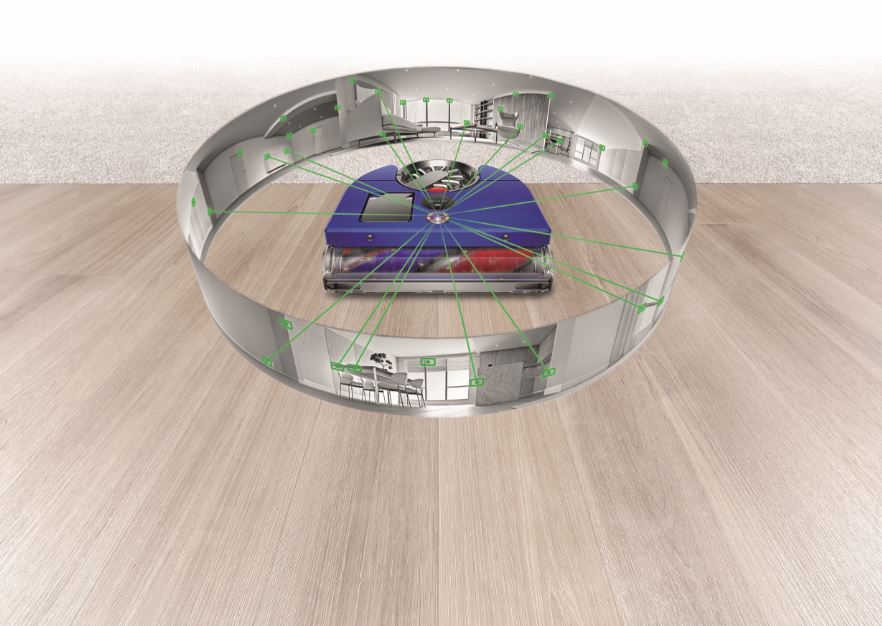
Features 360° visual navigation for intelligent cleaning
The Dyson 360 Vis Nav™ seamlessly maneuvered its way around my floors, without any problems to report.
One of the key reasons why it never got stuck is due to its 360° visual navigation system, plus 26 sensors for obstacle detection. Through having a complete picture of its surroundings, it was able to forge a clear path, backing away from any obstacles that it could get trapped by.
Beyond the fact that it never got stuck, I was able to see the handywork of the 360° visual navigation system in the MyDyson™ app. There, I could view dust maps the Dyson robot had created of each room it had visited. Using the app, I was then able to manage various zones within each map, scheduling times for the Dyson to clean them (as well as customising the amount of power it was to use!).
Up to 50 minutes of run time
The Dyson 360 Vis Nav™ offers up to 50 minutes of run time. I found this to be more than sufficient for cleaning a large room on one charge.
It was exciting to see that well before the 50 minutes were up, the tiles, carpets, and rugs of my living and dining rooms had been given a deep and thorough clean. It certainly did an efficient job, saving me from having to do any further cleaning in the space.
A robot vacuum that deep cleans on all floors
After using the Dyson 360 Vis Nav™, I consider its deep cleaning ability to be a massive standout. My floors have now been consistently cleaner than usual, making it well worth the investment.
Through trying the Dyson robot vacuum in different parts of my home, I’ve found its deep cleaning ability to work just as well on thick rugs and carpets as it does on tiles. Every surface it’s touched has been left looking equally pristine.
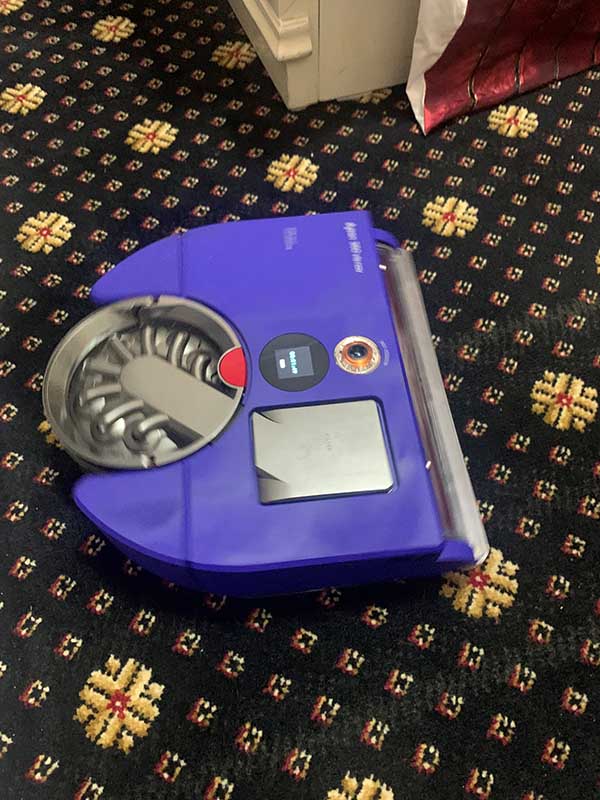
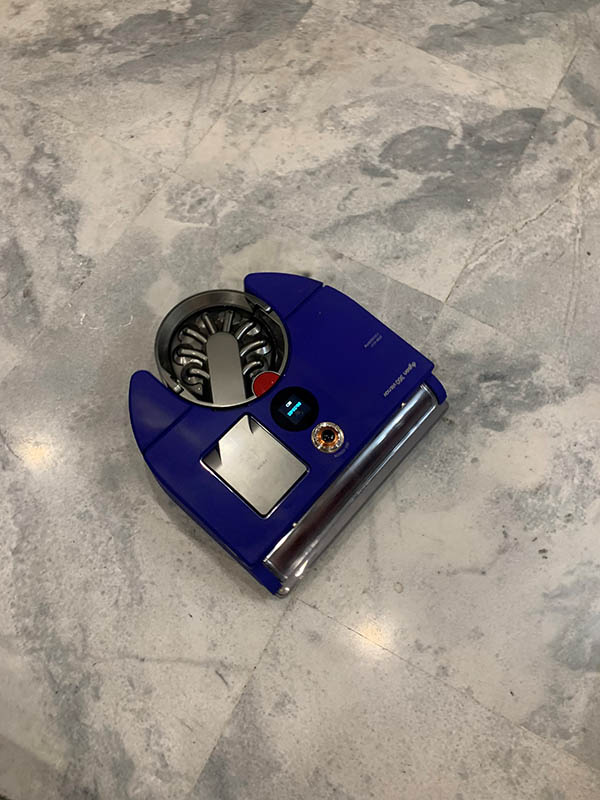
This deep cleaning ability is achieved through a variety of factors.
Firstly, the Dyson 360 Vis Nav™ has a very powerful suction. Its Dyson Hyperdymium™ motor spins at up to 110,000rpm, making it Dyson’s most powerful robotic vacuum.
Secondly, there’s the full-width brush bar, allowing the Dyson 360 Vis Nav™ to clean across its entire width.
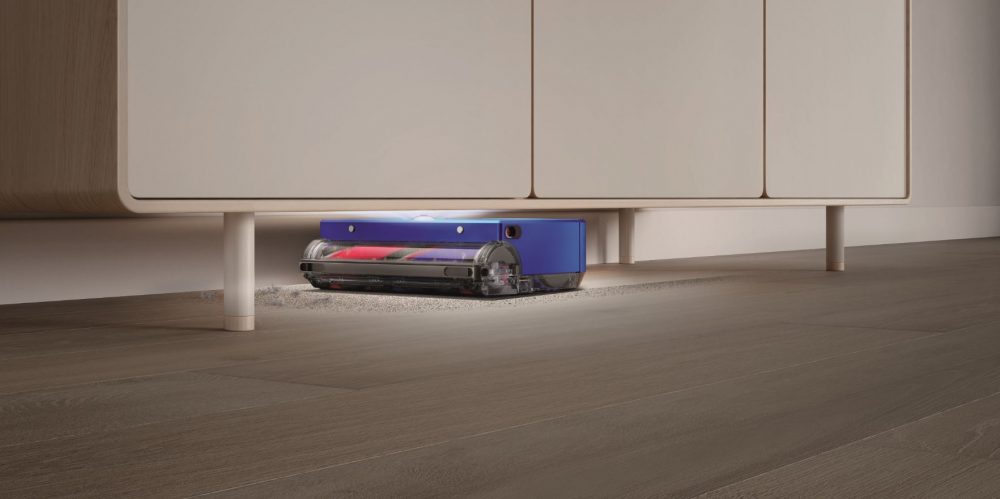
Thirdly, the Dyson robot vacuum’s low profile allows it to fully clean under furniture. Oftentimes, these are parts of a room that can be missed when cleaning manually. At least that’s the case at my house!
The Dyson 360 Vis Nav™ has whole-machine HEPA filtration
Several members of my family are prone to asthma and hay fever.
Fortunately, the Dyson 360 Vis Nav™ is able to trap up to 99.99% of dust and particles down to 0.1 microns thanks to its fully-sealed, five-stage HEPA filtration system. This has the potential to drastically reduce any triggers for my family. It really is perfect for them.
A robot vacuum that can clean, wherever you are
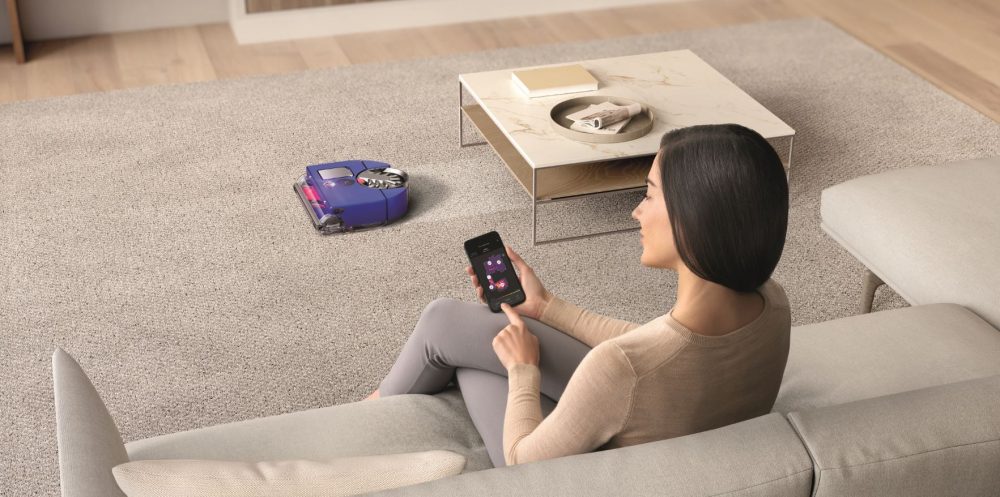
The MyDyson™ app allows you to control the Dyson 360 Vis Nav™. Even if you’re on the other side of the world!
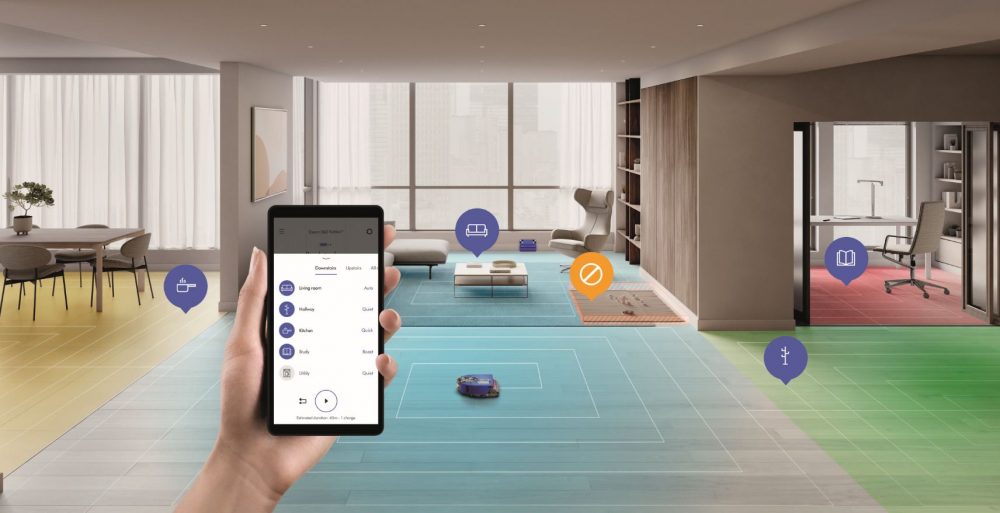
While I unfortunately haven’t had the chance to venture beyond the country’s borders while using the Dyson 360 Vis Nav™, I have been able to control it while I’ve been in the office and out with friends.
As mentioned earlier, the app can be used to schedule cleans (immediately or for a later time). Not only have I been able to set times to clean specific spaces, but I’ve been able to implement rules for the vacuum, such as areas for it to avoid (particularly bedrooms when I know others in the house are having a nap!).
The MyDyson™ app has also been showing me deep clean reports, highlighting where it has had to increase suction power in the house due to heavy dust and debris. It’s provided further proof of that deep cleaning ability I was talking about earlier.
Final thoughts for my Dyson 360 Vis Nav™ review
Using the Dyson 360 Vis Nav™ has been a great experience.
It’s both the most powerful and most intelligent robot vacuum I’ve personally tried.
I used the Dyson on multiple surfaces and absolutely loved the way it worked, no matter what type of floor it was on. At first, I was a bit worried that it might work really well on one surface but not the other. However, I was impressed when its suction power remained as strong as ever, no matter where it went.
The intelligence of the Dyson stayed consistent throughout the house, and its spatial awareness remained remarkable too.
Cleaning has definitely been a much easier endeavour with the Dyson vacuum zooming around my place. I’d 100% recommend it for anyone who’s looking for a new robotic vacuum.
Where to buy the Dyson 360 Vis Nav in Australia
You can shop the Dyson 360 Vis Nav™ online today! Alternatively, see it for yourself at your local Harvey Norman store, where the friendly, expert staff will help with any queries you may have.